NYSCATE 2005 Workshops
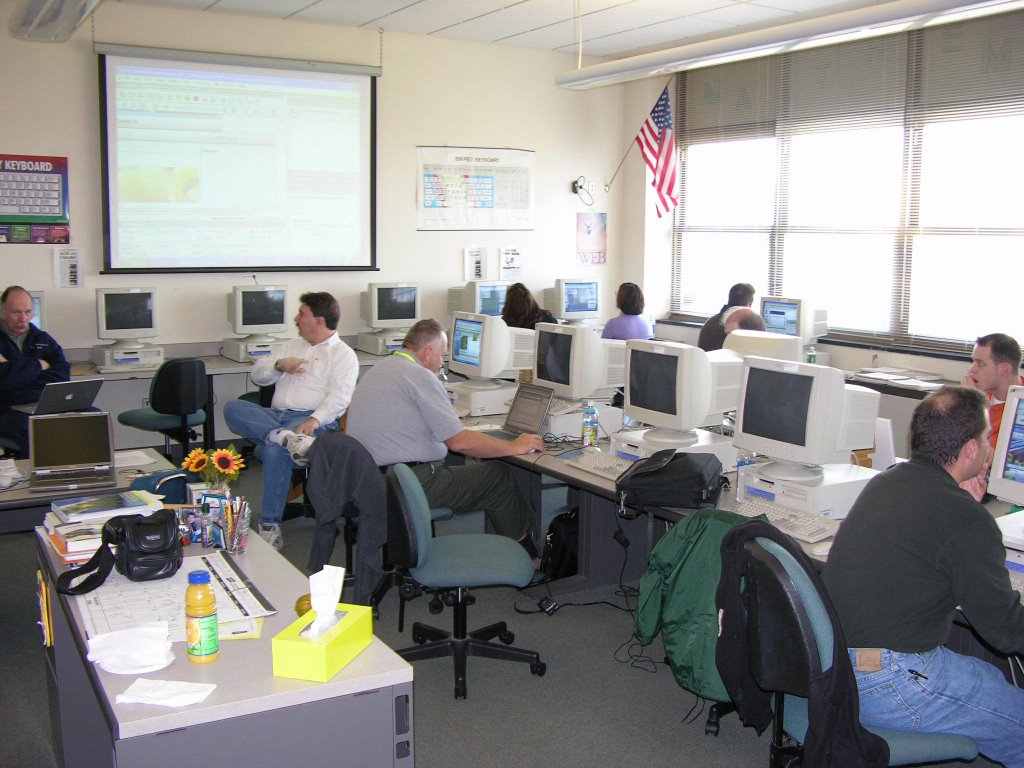
The annual conference was held in Albany, New York.
More info
1. Full day workshop (Saturday):
Intermediate Web Design-Dreamweaver and More
a. Layout/Table/Templates--Basic layout design
http://layouts4free.com
Download the template and unzip the file
b. Cascading Style Sheets--Define your own style
Type:
Background:
Box:
Border:
**
How to align text to flow around an image
Designers often want to have text flow around images on the page. If alignment is not set properly, however, the text can appear on top of or below the images. To create this flowing alignment, you will set the alignment for the image, not the text. The steps below show how to align text to flow to the left side of the image.
Aligning text to flow on the side of an image
Select an image in the Document window. The Property inspector will change to the image Property inspector.
On the Property inspector, click the Align pop-up menu and select Right. (The Align pop-up menu is in the upper-right corner of the Property inspector.)
Click in the Document window on the right side of the image. Type some text. The text will flow from the top of the image and down the image's left side.
View the HTML source code in Code view to see how the align tag appears inside the image tag, as illustrated below:
c. Handling of images/Rollover--Just a little excitement
Behavior--Swap Image
1. Insert an image 2. Click on the image 3. In the Behavior panel, click on + tag. 4. Select Swap image
d. Forms/Jump menu--Add more functions to web pages
e. Pop-up menu
f. Plug-in(audio/video)--Let's enjoy some music and video
-Link to a URL
-Link to a media file locally
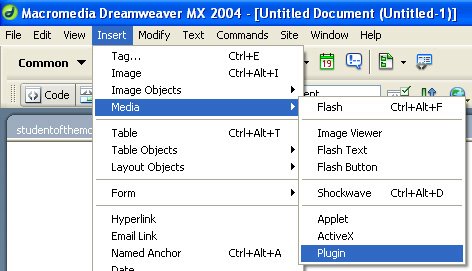
Setup parameters of media
g. Dynamic pages--Fancy new tricks to make your pages alive
http://www.dynamicdrive.com
h. FTP--Upload and publish
http://www.aspwebserver.com (NO BANNERS)
http://www.250m.com (AD BANNERS)
i. Intro of server-side application--Just a taste
j. *Use of blog--New trend?
Macromedia for educators
http://www.macromedia.com/resources/education/
2. Full day workshop (Sunday):
Photoshop for Class Projects (more)
a. Text/Style--Manipulate the fonts/text with special effects
Styles, image background, chrome types
b. Layers--Essential element to create collage
c. Animation/ImageReady--Animate the graphics for web
Sample lessons
d. Transparent image--Short cut to match background colors
e. New tools in Photoshop CS--New tricks
Photomerge, heeling tool
f. Automate--Let the program to work for you.
Create a photo album--Easy job with just a few clicks.
**Bring some digital images.
Adobe Tips and tutorial
http://studio.adobe.com/us/search/main.jsp
Adobe for educators
http://www.adobe.com/education/main.html
posted by Henry Ruan @ 7:28 PM
0 comments


0 Comments:
Post a Comment
<< Home